
Web Development
Website Maintenance Explained: What Every Business Owner Should Know
Learn how updates, security, backups, performance checks, and ongoing support help keep a business website healthy after launch.
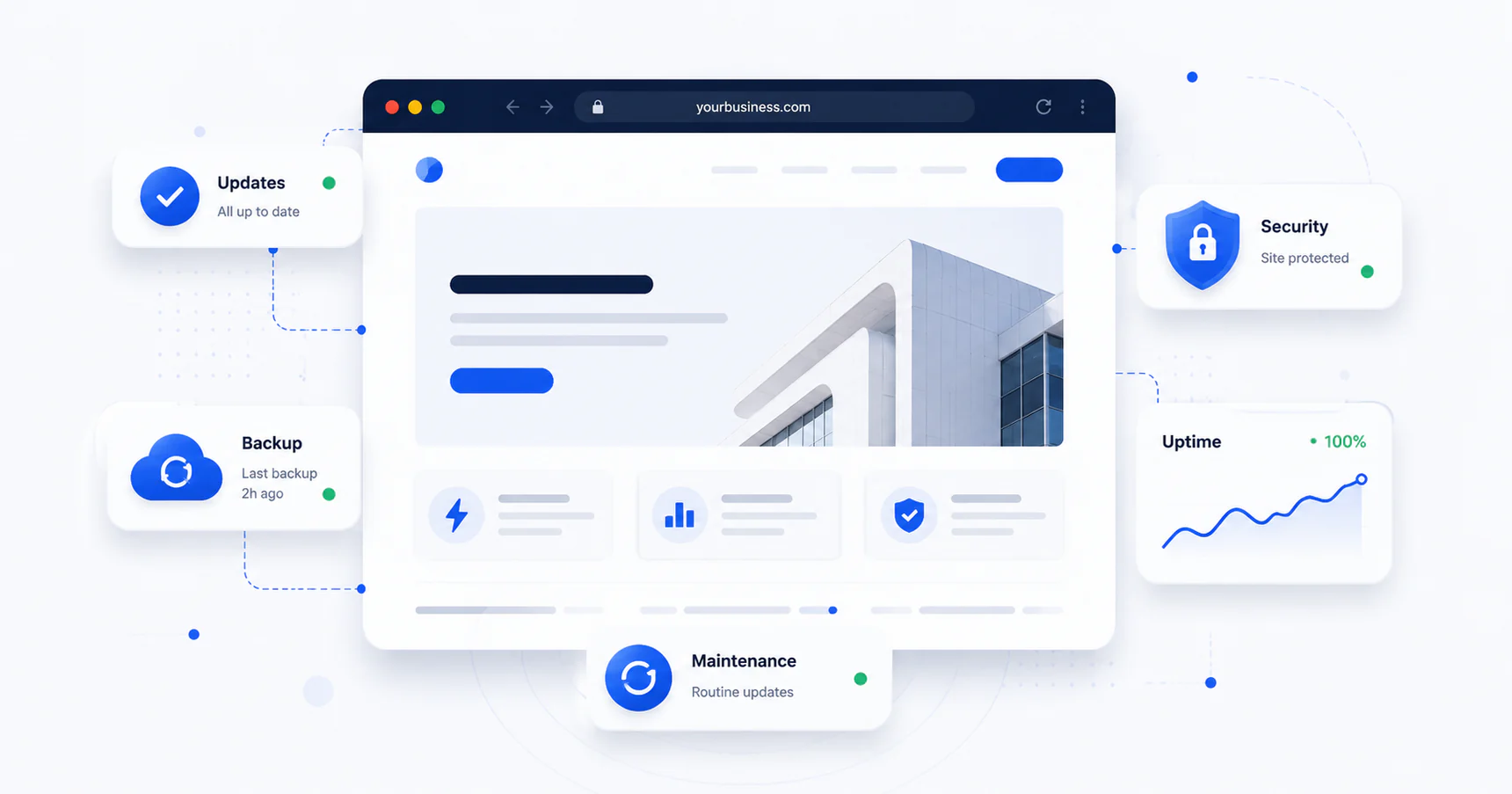
You launched your website, it looked great on day one, and then… life happened. Clients, projects, hiring — the site got pushed to the back burner. If that sounds familiar, you're not alone. Most business owners treat their website like a one-time purchase instead of an ongoing asset, and that's where things start to quietly go wrong.
This guide breaks down what website maintenance actually involves, whether you really need it, and what it tends to cost — so you can make an informed call instead of guessing.
Do Websites Need Maintenance?
Short answer: yes, every website does, the same way every vehicle needs oil changes regardless of how well it was built.
A website isn't a static brochure — it's built on software (a CMS like WordPress, plugins, themes, hosting infrastructure) that's constantly being updated by developers around the world. When those underlying pieces update and your site doesn't keep pace, you start accumulating risk: security vulnerabilities, broken functionality, slow load times, and compatibility issues with browsers or devices.
A few signs your site is overdue for attention:
- Pages load noticeably slower than they used to
- You've gotten a security warning or “not secure” flag in the browser
- Contact forms stop sending emails and nobody noticed for weeks
- Plugins or themes haven't been updated in over a year
- You don't actually know who has admin access to your own site
None of these show up on the homepage. That's exactly why maintenance gets neglected — the problems are invisible until they're expensive.
What Website Maintenance Actually Includes
“Maintenance” gets used as a catch-all term, so it helps to know what's typically bundled into it:
Core and plugin updates
CMS platforms, plugins, and themes release updates regularly — often for security patches, not just new features. Skipping these is the single biggest cause of hacked small business websites.
Backups
Regular, tested backups mean that if something does break — a bad update, a hack, human error — you can roll back instead of starting from scratch.
Security monitoring
Malware scanning, firewall rules, and uptime monitoring catch problems before a customer does.
Website updates
This is the content side: swapping out old promotions, updating staff bios and pricing, adding new pages, refreshing images, fixing typos. A site that hasn't changed in two years tells visitors (and Google) that the business might be stagnant too.
Performance checks
Page speed directly affects both user experience and search rankings. Maintenance includes catching what's slowing the site down — unoptimized images, bloated plugins, outdated code.
Website support
This is the human layer — having someone to call when a form breaks, a page goes down, or you just need a small change made without learning to code.
Some of this can be automated. A lot of it still needs a person who actually understands your site to review what the automation flags and act on it.
What Happens If You Skip It
The risk isn't always dramatic. Sometimes it's a slow bleed: search rankings drift down because the site got slower, a contact form quietly stopped working three months ago, or a plugin conflict makes the checkout page glitch on mobile. Other times it's sudden — a site gets hacked, defaced, or used to redirect visitors to spam, and now you're looking at emergency cleanup instead of a routine update.
Either way, the fix almost always costs more than the prevention would have. Recovering a hacked WordPress site, restoring from a bad backup (or not having one), or rebuilding lost SEO rankings takes real time and real money — far more than staying current would have.
Website Maintenance Cost: What to Expect
Pricing varies a lot depending on the size of the site, the platform it's built on, and how much hands-on support you want. As a general guide:
- Basic plans (updates, backups, uptime monitoring) often run in the range of $50–150/month for a small business site
- Mid-tier plans (the above plus security monitoring, performance optimization, and a small monthly bank of content updates) often land around $150–400/month
- Higher-touch retainers (frequent content changes, priority support, ongoing optimization) can run $400+/month, especially for larger or e-commerce sites
These are general industry ranges, not a quote — actual pricing depends on your site's complexity and what's included. The honest comparison to make isn't “maintenance cost vs. $0,” it's “maintenance cost vs. the cost of a rebuild, a hack cleanup, or months of lost leads from a broken contact form.”
DIY vs. Website Maintenance Services
Some business owners handle basic updates themselves, and for very simple sites, that can work — if you actually have the time and consistency to do it monthly, not just when something breaks.
Where it tends to fall apart is during busy seasons (which, conveniently, is also when your website matters most) or when something technical goes wrong and you don't have the background to diagnose it. That's usually the point where business owners look for website maintenance services instead — not because they can't learn it, but because their time is better spent running the business.
A good maintenance partner should be doing more than pushing update buttons. They should know your site's history, flag issues before they become emergencies, and be reachable when something needs fixing now, not next week.
Frequently Asked Questions
Do all websites need maintenance?
Yes. Every website runs on software — a CMS, plugins, themes, hosting — that updates constantly. Without regular maintenance, sites accumulate security vulnerabilities and performance issues over time.
How much does website maintenance cost?
Basic plans typically range from $50–150/month, mid-tier plans $150–400/month, and higher-touch retainers $400+/month, depending on site size and the level of support included.
What's included in website maintenance services?
Core and plugin updates, backups, security monitoring, performance checks, and content updates such as text, images, pricing, and new pages, plus ongoing support when something breaks.
How often should a website be updated?
Security and plugin updates should be checked monthly at minimum. Content updates like pricing, promotions, and staff info should happen as soon as something changes in the business.
The Bottom Line
A website isn't something you finish — it's something you maintain, the same way you maintain your storefront, your equipment, or your books. The businesses that treat it that way tend to avoid the expensive surprises: the hack that takes a week to clean up, the broken form that quietly cost a month of leads, the redesign that becomes a full rebuild because nothing was kept current.
If you're not sure where your site currently stands — whether it's been updated recently, how secure it is, or what it would take to get it on a proper maintenance plan — that's a quick conversation, not a big project.
Take a look at our website maintenance and support services
See what's involved, or reach out and we'll take a look at your site together.
Work with Fractionl
Ready to move the work forward?
Tell us what you are building, improving, or trying to solve.